In summary
- There is no universal answer. The choice depends on the tolerated latency, the volume of data, and the cost profile that the company prefers.
- Migrating everything to the cloud is rarely the cheapest option — is the most flexible, which is not the same thing.
- Legacy sector applications are the main brake to any migration.
- O cloud egress fee that is what almost nobody calculates before entering.
In this article
The company server has reached its end of life and the question arises: replace it with another one, virtualise, or take the opportunity to move to the cloud? The honest answer is that it depends — and, contrary to what is frequently heard, the cloud is not automatically the right answer.
The three options
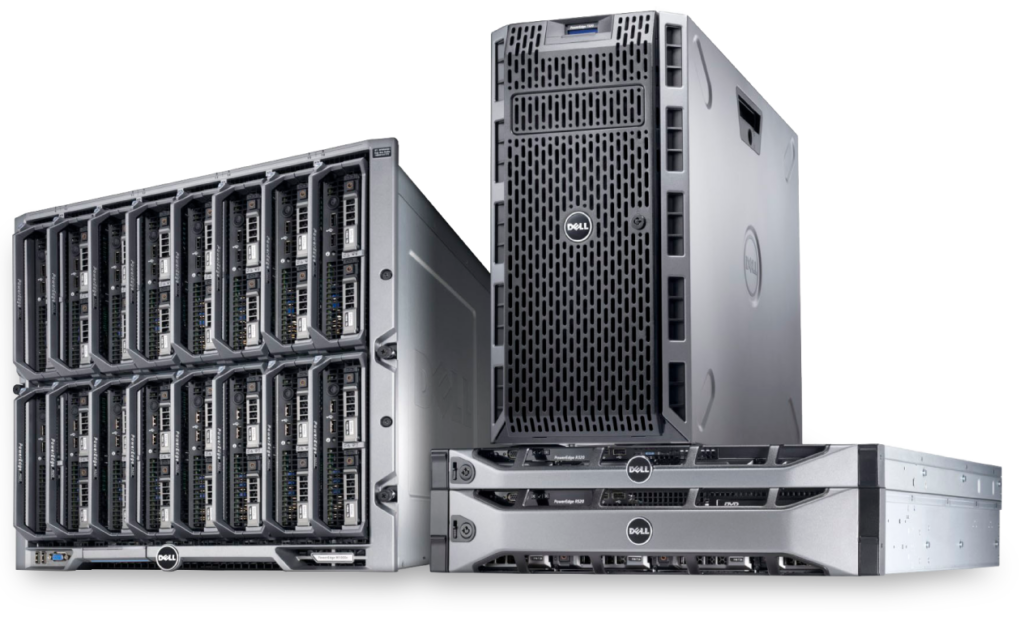
Replace with physical server. It still makes sense when there are applications that require specific hardware, when the internet connection is not reliable enough to depend on it, or when the volume of data makes the cloud disproportionately expensive.
Virtualise. Several logical servers on a single physical machine. It is almost always the best evolution of an in-house infrastructure: better hardware utilisation, booting up new systems in minutes, and whole-machine backups — which makes disaster recovery much faster.
Migrate to the cloud. There is no longer any hardware to manage and you pay for usage instead. You gain elasticity and lose control over the cost profile, which starts to vary with usage.
What actually decides
Four factors explain the majority of correct decisions:
- Application-tolerated latency. Legacy management software, production systems and applications that work directly with large files behave poorly when the server is no longer on the other side of the wall.
- Data volume. Cloud storage is affordable; moving large volumes frequently is not.
- Usage pattern. Steady workloads favour on-premise infrastructure; workloads with sharp peaks favour the cloud, because you only pay for the peak when it occurs.
- Data localisation requirements. Certain industries and certain clients dictate where data must reside, and this restricts options before any technical analysis.
The most common brake is sector applications. Clinical, hotel, industrial or specific management software is frequently designed to work on a local network. Before making any decision, confirm with the manufacturer what is supported — many migrations fail right here.
The deceptive bill
The usual comparison — server price versus cloud monthly fee — leaves out half of the costs on each side.
On the infrastructure side, to the price of the equipment must be added licensing, hardware maintenance contract, electricity and air conditioning, space, backup power supply, and the time of the person who administers it. And the replacement in five years' time, which is certain.
On the cloud side, the base monthly fee is supplemented by backup storage, outbound traffic — which is frequently underestimated —, ancillary services that gradually add up, and a more robust internet connection, often with redundancy, because everything becomes dependent on it.
And there is a cost that almost no-one calculates before entering: the cost of going out. Bringing back several terabytes has a price and takes time. It's not a reason not to go, but it is a reason to know the number before deciding.
The hybrid model
In practice, it is where most medium-sized Portuguese companies end up — and not out of indecision, but because it is what makes sense.
The pattern that works: email and cloud productivity, because that's where the cloud is clearly superior; industry applications and heavy working files locally, on a virtualised server, where latency matters; and cloud-replicated backups, which resolves the requirement of having an off-site copy without maintaining a second physical space.
This combination gives the best of each model and is significantly cheaper than migrating everything.
If you decide to migrate
Four rules that avoid the most common problems:
- Do not migrate everything all at once. Start with what is least critical, learn from this migration, and only then move on to the core systems.
- Test the actual performance before committing. A two-week proof of concept with real users reveals more than any specification.
- Strengthen the internet connection before, not after. If everything comes to depend on her, it needs capacity and redundancy up to the job.
- Maintain rollback capability during the transition period. Dismantling the old infrastructure the week after the migration is assuming that nothing will go wrong.
And, whatever the decision, what determines whether the company survives an incident is not where the server is — it is whether the backups they exist, are out of reach of an attack, and were ever effectively restored.
DataRoad assesses, sizes and manages server infrastructure in a proprietary, virtualised or cloud, within the managed IT services.
A chat before making a decision
Whether you’re tackling a specific problem, planning a move or simply looking for a second opinion, we always start in the same way: by understanding your situation before making any suggestions. No obligation, no jargon and no catalogues.